
The Windows 11 update has made searching in File Explorer faster

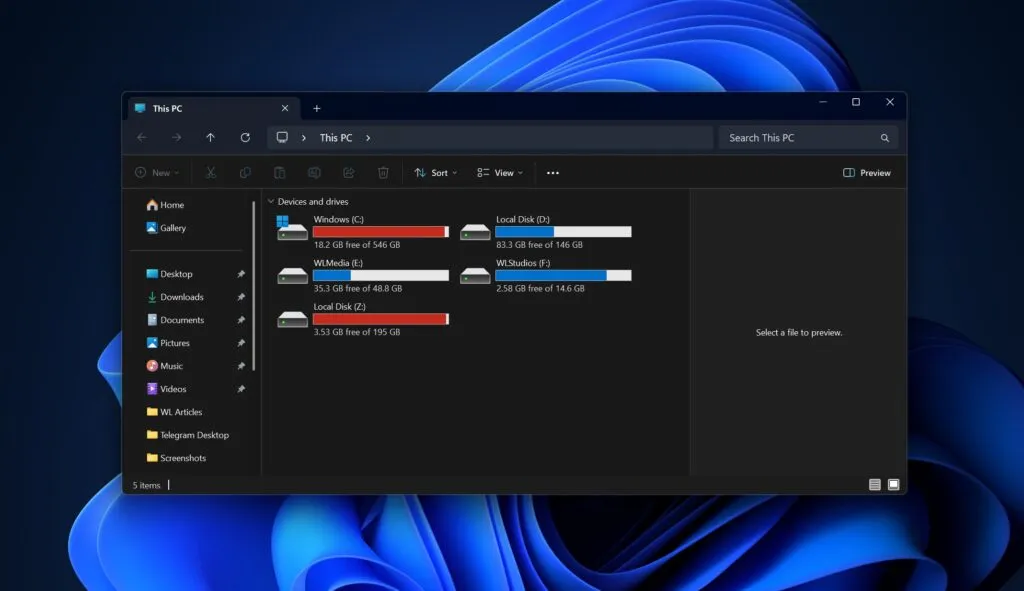
The changes relate to searching for files in ‘This PC’ mode or when searching across multiple drives simultaneously. According to Microsoft, the update improves the reliability of searches in File Explorer, particularly when users search for files across multiple drives at once. This has been reported by the tech publication Windows Latest.
Previously, searching in “This PC” mode could be slow, as the system checks all drives and folders on the computer simultaneously. Because of this, results could appear with a delay or the search would sometimes freeze.
In the new version of Windows 11, the system produces fewer errors in results and performs more consistently with repeated queries, although search speed may still depend on:
-
file indexing;
-
folder structure;
-
drive settings;
-
file usage history.
Update KB5079473 has also introduced several additional changes:
-
faster disk scanning in the Storage Settings section when checking temporary files;
-
improvements to the print service, which now has less impact on computer performance when printing documents.
Despite this, the system may still not display some Windows Update files in the list of temporary files due to new administrative restrictions.
Experts note that this is one of those updates that is difficult to measure through benchmarks, but its effects can be felt during normal computer use.
For many users, searching in File Explorer should become less confusing and more stable, although Microsoft is not making any bold claims about a radical speed-up of the system.