How to print an IDP certificate from the ‘Dii’ app in 2026

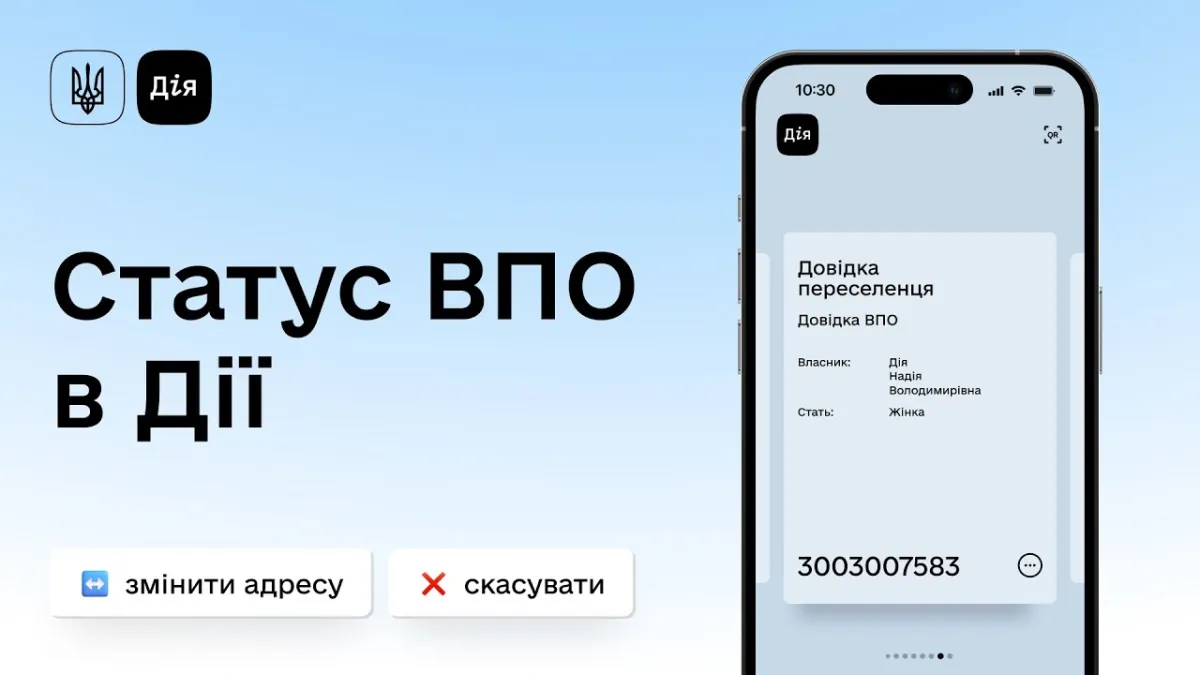
An internally displaced person certificate can be obtained by citizens who have left the territories of communities located in areas of hostilities, as well as from territories under temporary occupation or under siege.
To obtain the document, log in to Diya and go to the ‘Services’ section. Next, select ‘Obtain IDP status’ and submit the relevant application.
What information do you need to provide to apply for an IDP certificate?
When submitting your application, you must provide up-to-date information.
In particular, you must state your current location. This information must be confirmed via geolocation.
You should also provide details of any children staying with the applicant, if applicable.
You must also provide your eSupport card details separately.
In addition, you can specify any needs you have at your current place of residence in the application. These may include a need for medical care, education or humanitarian aid.
Once the application has been submitted, the IDP certificate usually appears in the Diia app within a few days.
How to print an IDP certificate from Diya
To print an IDP certificate, you need to follow a few steps.
First, you need to log in to Diya.
You will then need to give your consent for data transfer.
You will then receive an email notification once the document has been generated.
Once the certificate has been generated, you can download it via the ‘Services’ and ‘Received Documents’ sections.
You can save the downloaded document to your device and print it out as you wish.