
Block your ex: monobank has launched a new feature

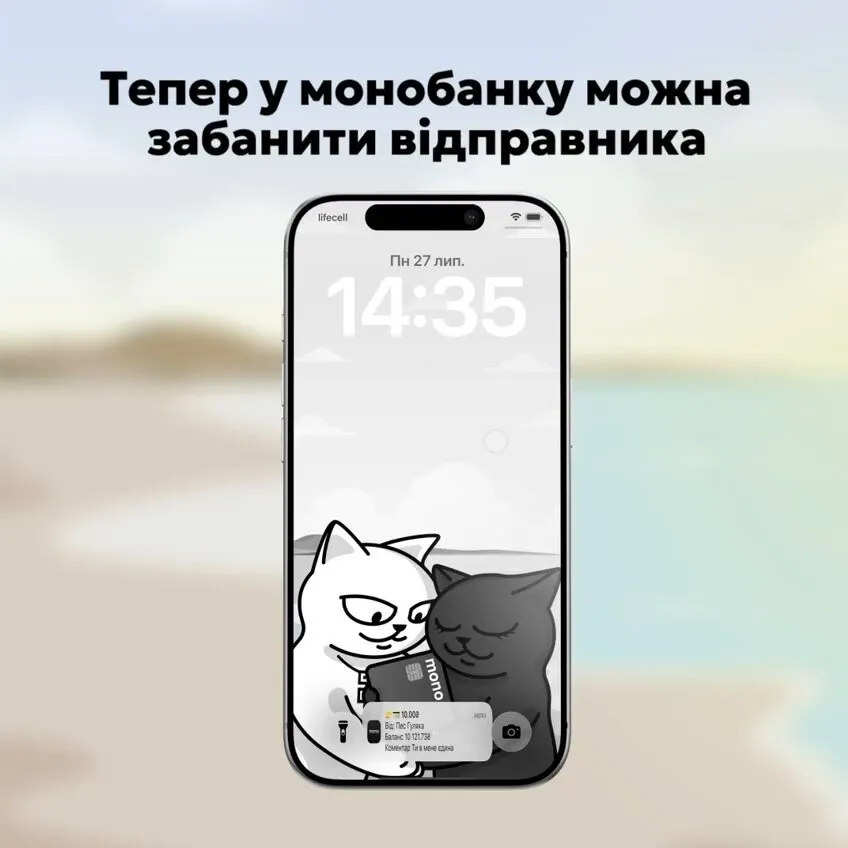
This was announced by Oleg Gorokhovsky, co-founder of monobank, on his Telegram channel “OGo!”. The channel is billed as a blog for Gorokhovsky and monobank.
monobank explained that it had received complaints from customers who had been sent messages by former partners or other unwanted contacts via comments on bank transfers.
Although the person could be blocked on messaging apps and social media, they continued to transfer small amounts and leave text in the payment reference.
Users can now block such senders themselves within the app.
How to block someone in monobank
To block someone, open the transfer you’ve received and go to its details. There you’ll find an option to block the sender.
You do not need to contact the bank’s support team to do this.
monobank has not specified whether, once blocked, the system will completely reject new transfers from that person, or whether it will simply hide or block comments on them.
Previously, the bank was unable to block transfers entirely
In February 2026, monobank representatives told customers that they could not prevent another person from sending money. However, customer support could block comments on such transactions on a case-by-case basis.
The new feature, at the very least, brings the blocking option into the app: users no longer need to ask a customer service representative to do this.
The bank added that it is possible to block not only former partners, but any sender whose transfers or messages have become unwanted.