How to open a sole trader account with Monobank: a step-by-step guide

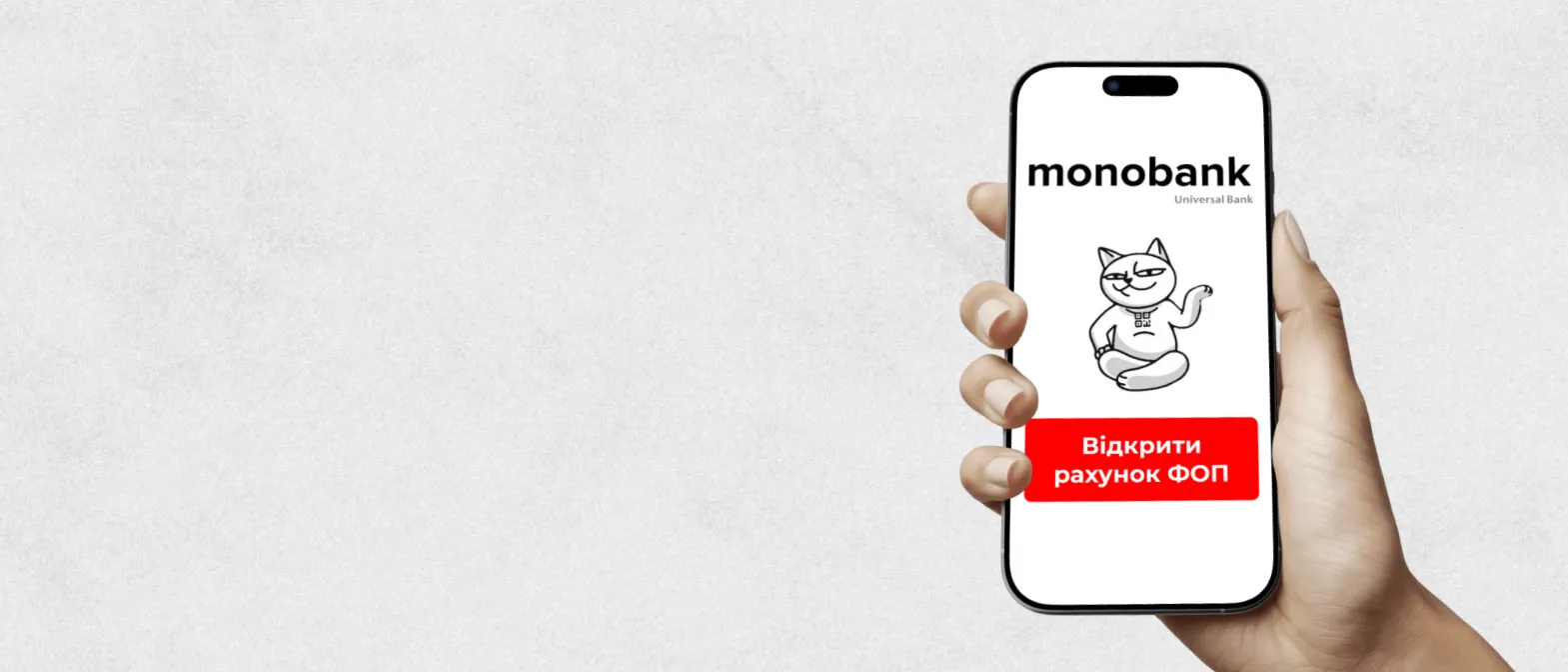
Opening a sole trader account with monobank is particularly suitable for freelancers and IT specialists, self-employed professionals, online and offline retailers, service sector entrepreneurs, as well as content creators and bloggers.
The first steps in starting a business begin with registering an individual entrepreneur account and setting up your accounting. ThePublic explains how to become a monobank customer as an individual entrepreneur.
How to open an individual entrepreneur account with Monobank
The procedure for opening a sole trader account with monobank takes no more than 13 minutes. All you need is a smartphone and internet access.
Step-by-step guide to opening an individual entrepreneur account with monobank
1. Download the monobank app. If you are not yet a customer of the bank, create an account and complete the standard identification procedure.
2. Obtain sole trader status. If you are not yet registered as a sole trader, you can do this via the ‘Diya’ portal or with the help of an accountant. Go to the ‘Services Catalogue’ → ‘Starting a Business’ section, then select the ‘Automatic sole trader registration’ option. Next, fill in a short application form and submit it — the system will automatically register you as an individual entrepreneur.
3. Open the “Sole Trader” section in the app. Tap your avatar in the top left-hand corner, select “Sole Trader” at the bottom of the screen, and then tap the “I want a sole trader account” button.
4. Fill in a short form. Provide basic information about your business: type of activity (NACE code), number of employees, and estimated monthly income.
5. Read the terms and conditions. Once you have confirmed the terms of the agreement, click the “Open an FOP account” button. The system will automatically generate a request, and your business account will be activated shortly. We advise our readers to use the following link and open an individual entrepreneur account with Monobank to receive 150 UAH cashback, even if you are already a customer of the bank.
Once you have completed all the steps, your sole trader account with Mono will appear in the app, and you can start working straight away and carry out business transactions, which are now available to you in just a few clicks directly from your smartphone.
As a reminder, it was previously reported that the National Cashback scheme has been extended in Ukraine until 2028.
Follow us on Telegram